
What Should You Understand Before Using a Digital Wallet?
Learn how addresses, seed phrases, private keys, networks, gas, transaction hashes, DApps and approvals fit together before moving assets.
Read the guide →Review multi-chain assets, choose the right network, send and receive with address checks, connect to DApps deliberately, understand approvals, and build wallet security habits around real on-chain behavior.
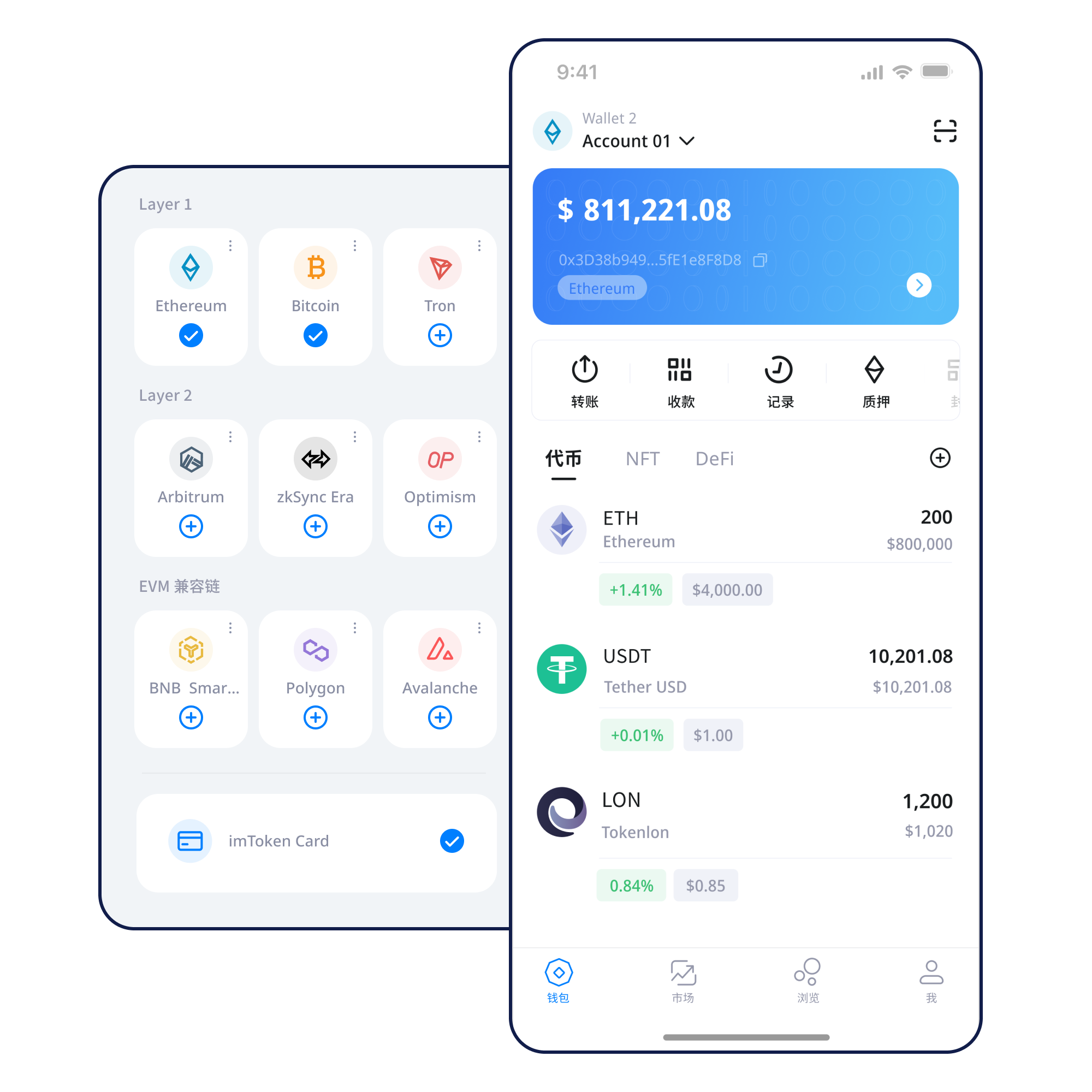
Common wallet actions arranged around what you need to accomplish next.
Start with a new account or import an existing one, then verify what controls recovery.
Read guide →Keep the seed phrase offline and separate from screenshots, chats and public cloud notes.
Read guide →Select the correct network, copy the address carefully and share only the receiving address.
Read guide →Verify the destination, network, amount and gas before confirming the transaction.
Read guide →Check the domain and review every signature or approval as a separate decision.
Read guide →Asset management, network checks, wallet access and security principles work together rather than as isolated features.
Different networks can use similar addresses while keeping separate gas assets, token contracts and transaction state. Choose the network first, then verify the address and expected asset.
Understand multi-chain use →
Receiving requires the correct network and address. Sending adds amount, gas and final confirmation checks. Keep the transaction hash so the on-chain record can be reviewed independently.
Transfer guide →Mobile access to accounts, networks, assets, records and DApp connections.
A browser-oriented connection path for DApps, approvals and session management. It does not replace the need to review each request.
Explore web access →
Keep seed phrases and private keys offline and private; review DApp approvals and signing requests before confirming.
A multi-chain wallet can expose accounts across several networks, but each chain keeps its own gas, contracts and confirmations.
Read network guide →Public chains coordinate transactions through distributed nodes, blocks and consensus rules that can be inspected with explorers.
Read network guide →
EVM networks share a familiar contract execution model while keeping chain IDs, gas and state separate.
Read network guide →
Layer 2 systems process activity with a relationship to a base chain, adding bridge, settlement and timing considerations.
Read network guide →
Keep the seed phrase offline, never disclose the private key, verify address and network before transfers, inspect DApp signing requests, and periodically review unused approvals.
Keep the seed phrase offline, never disclose the private key, verify address and network before transfers, inspect DApp signing requests, and periodically review unused approvals.
Keep the seed phrase offline, never disclose the private key, verify address and network before transfers, inspect DApp signing requests, and periodically review unused approvals.
Keep the seed phrase offline, never disclose the private key, verify address and network before transfers, inspect DApp signing requests, and periodically review unused approvals.
Keep the seed phrase offline, never disclose the private key, verify address and network before transfers, inspect DApp signing requests, and periodically review unused approvals.
Keep the seed phrase offline, never disclose the private key, verify address and network before transfers, inspect DApp signing requests, and periodically review unused approvals.
Connecting a wallet does not mean every signature should be accepted. Review each signature and approval independently.
Web3 guide →Security starts with control of the seed phrase and private key, then extends to device protection, domain checks, transaction review, signature interpretation and approval hygiene. No website can make third-party contracts risk-free or reverse ordinary on-chain transactions on demand.
Open Security CenterLearn how addresses, seed phrases, private keys, networks, gas, transaction hashes, DApps and approvals fit together before moving assets.
Read the guide →Proof of Stake uses validators to participate in consensus. Rewards come from network rules and can change; withdrawals and exits can involve queues or waiting periods.
Staking basics →Validator penalties, contract risk, waiting times, market volatility and third-party service risk should be considered together. Staking does not guarantee a return.
PoS and validators →A wallet helps manage blockchain accounts, addresses and signing authority. It does not replace the underlying network.
No. Seed phrases and private keys should remain private, and imtoken staff will not ask for them.
No. Recovery depends on whether the user safely preserved the corresponding seed phrase or backup.
Similar address formats can appear across networks, while gas assets, chain state and token contracts remain separate.
Gas is the fee mechanism a blockchain uses to process transactions or contract calls, usually paid with the network’s native asset.
It identifies an on-chain transaction so you can review status, block inclusion, fees and confirmations in an explorer.
Use imtoken guides to review networks, transfers, DApps, approvals and security before acting.